Weak Legacy 2 Controls: PC Keys and Combat Explained
Learn Weak Legacy 2 controls for dashing, running, charging Breathing, and air combos, plus practical combat tips for PC, mobile, Xbox, and PlayStation.
Jump to
PC Controls at a Glance
Getting caught in a combo? Weak Legacy 2 controls include an evasive dash you activate with Q while stunned, alongside separate inputs for running, charging Breathing, and aerial attacks. Learn these inputs before tackling tougher enemies so you can focus on landing moves and escaping pressure.
| PC Input | Action |
|---|---|
| Q | Dash |
| Q while stunned | Evasive Dash |
| Double-tap W | Run |
| G | Charge Breathing |
| Space | Climb |
| Hold Space while using M1 | Air Combo |
| M | Open the menu |
M1 means your primary mouse button, normally left-click. For the air-combo input, keep Space held while attacking with M1.
Pay attention to the difference between a double-tap and a held input. Running uses two taps of W, while an air combo requires holding Space during your attacks. Pressing Space on its own is also the climbing input.
Use the tutorial battle after choosing humanity or Demons to practice movement and attacking before taking on other enemies.
Dashing, Running, and Escaping Stuns
Q handles both your regular dash and your evasive dash. The difference is your character’s state: press it normally to dash, or press it while stunned to use the evasive action.
 Image: Roblox / Weak Games Corp.
Practice these movement inputs separately:
- Double-tap W to run when traveling between destinations.
- Press Q to dash during movement or combat.
- Use Q while stunned to activate Evasive Dash.
- Use Space to climb when navigating terrain.
Remember the stunned version of Q when an enemy catches you. Knowing the regular dash input alone leaves an important combat action out of your toolkit.
Charging Breathing and Starting Air Combos
Press G to charge Breathing. Breathing Styles require both a sword equipped and a charged Breathing gauge, so an empty gauge or missing sword can explain why a learned style will not activate.
 Image: Roblox / Weak Games Corp.
Before using your Breathing Style:
- Learn the style from its specific trainer.
- Equip a sword.
- Press G to charge Breathing.
- Use the move you have unlocked.
For aerial attacks, hold Space while using M1. Practice that combination during the tutorial before trying to connect it with your style’s abilities.
Demon Arts have different equipment requirements. Most work without a sword, but some are exceptions. Electrokinesis V2 also uses Breathing, so playing a demon does not automatically remove the need to charge that resource.
Ability Inputs: Holding Keys and Landing Hits
Special moves have their own activation behavior. A quick tap, an interrupted approach, or a missed hit can produce a different result from the full attack.
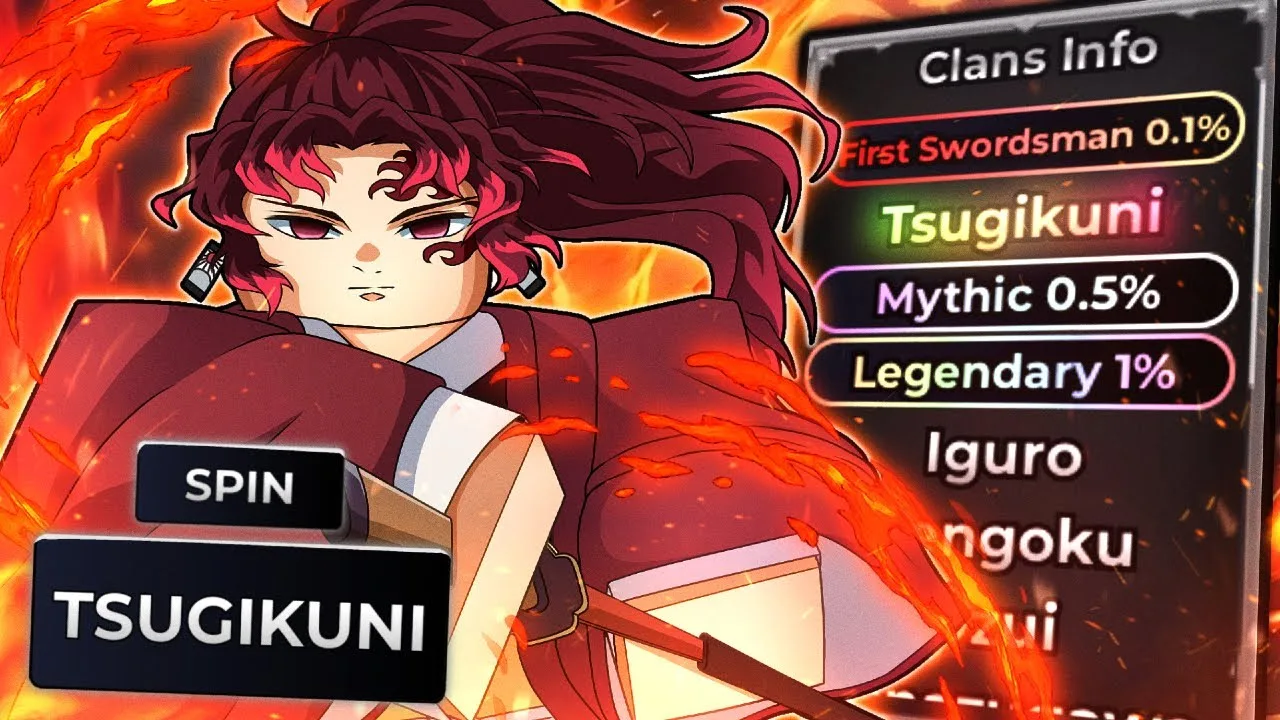
Hold V for Moon Breathing V1’s Perpetual Night
Perpetual Night uses a held V input for its continuing attack. Hold the key instead of giving it a quick tap when you want the sustained version.
Keep this distinction tied to that move. Other abilities assigned to V have different behavior.
Get Close for Destructive Death V2’s B Move
Destructive Death V2’s B move needs to connect at close range to activate its cutscene. Move close to the target before pressing B, rather than expecting the animation to trigger from a distance.
Its V move, 10,000 Leaves, can be interrupted when an enemy hits you during the approach. Avoid starting it directly into incoming swings.
Moon Breathing V2 has another hit-dependent cutscene: its B move needs the final part of the attack to connect. Aim to land the complete sequence.
Mobile, Xbox, and PlayStation Support
You can play on these supported platforms:
- PC
- Mobile
- Xbox
- PlayStation
The keyboard table above applies to PC. On a phone or controller, follow the on-screen inputs for your device when practicing the tutorial’s movement and attacks. Keep the same combat requirements in mind: Breathing Styles still need the appropriate equipment and charged Breathing, and hit-dependent abilities still need to connect.
Launch Weak Legacy 2 on Roblox to practice with your platform’s layout.
Continue with
 Weak Legacy 2 Beginner Guide: Start Strong and Level UpUse this Weak Legacy 2 beginner guide to learn controls, pick your powers, earn Yen, manage clan spins, and prepare for boss fights without wasting resets.
Continue exploring
Join the community
Official channels for news, updates and player help: