
Weak Legacy 2 Trello: Find Builds, Maps, and Trainers
Use the Weak Legacy 2 Trello to explore races, clans, Breathing styles, maps, and trainers. Plan your build and check requirements before spending Yen.
Jump to
How to Identify the Right Trello Board
Planning a new build starts before you spend your spins or use a reset potion. The Weak Legacy 2 Trello organizes races, clans, Breathing styles, maps, and NPCs so you can look up what your character needs. To identify the board associated with the sequel, open its game-link card and check that it leads to Weak Legacy 2 on Roblox.
The older board uses the Weak Legacy name without clearly separating the original game from the sequel. Check the linked experience rather than relying on the board title alone.
Once you're browsing, open individual cards for the details behind each category. The columns help you narrow your search; the cards explain the specific race, ability, trainer, or boss.
What to Look Up Before Choosing a Build
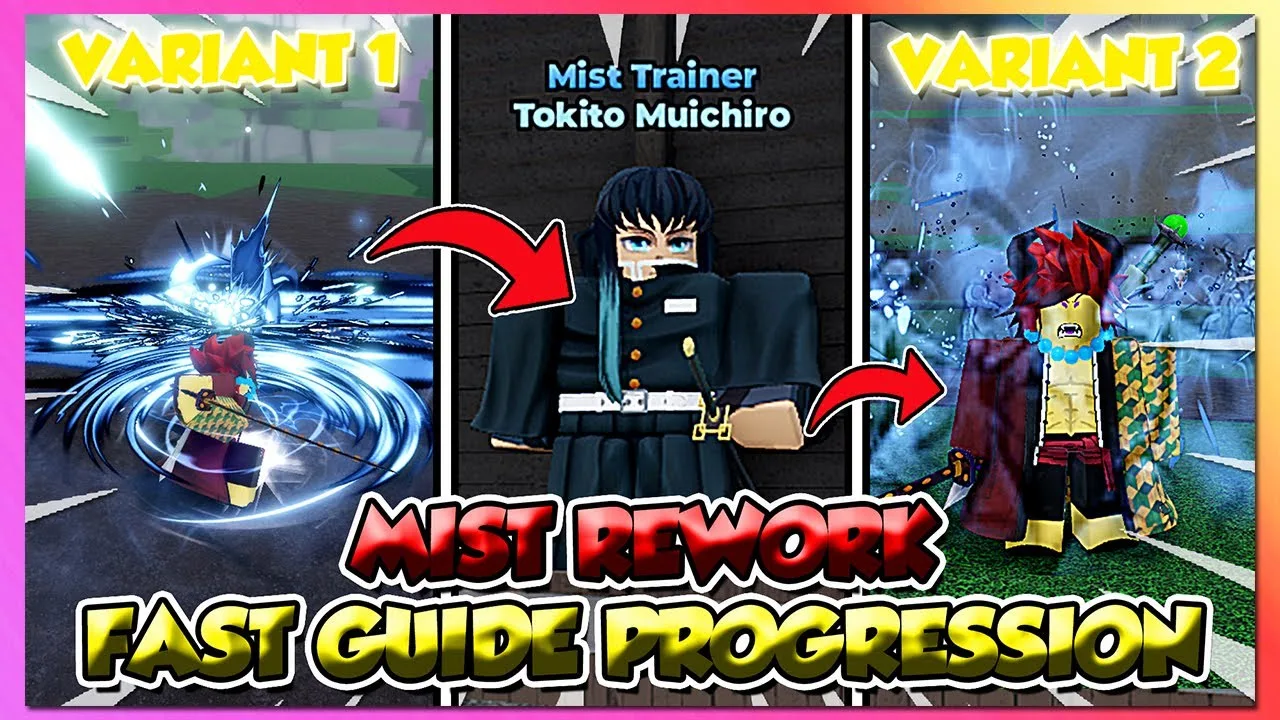
Start with the race, clan, and Breathing style sections. These systems affect your character's stats and available attacks, making them useful places to compare options before committing resources.
Work through these questions:
- Race: Which side do you want to play—humanity or the Demons?
- Clan: What bonuses does the clan offer your intended setup?
- Breathing style: Which attacks and requirements belong to the style you want?
- Trainer: Which NPC teaches it, and where do you need to go?
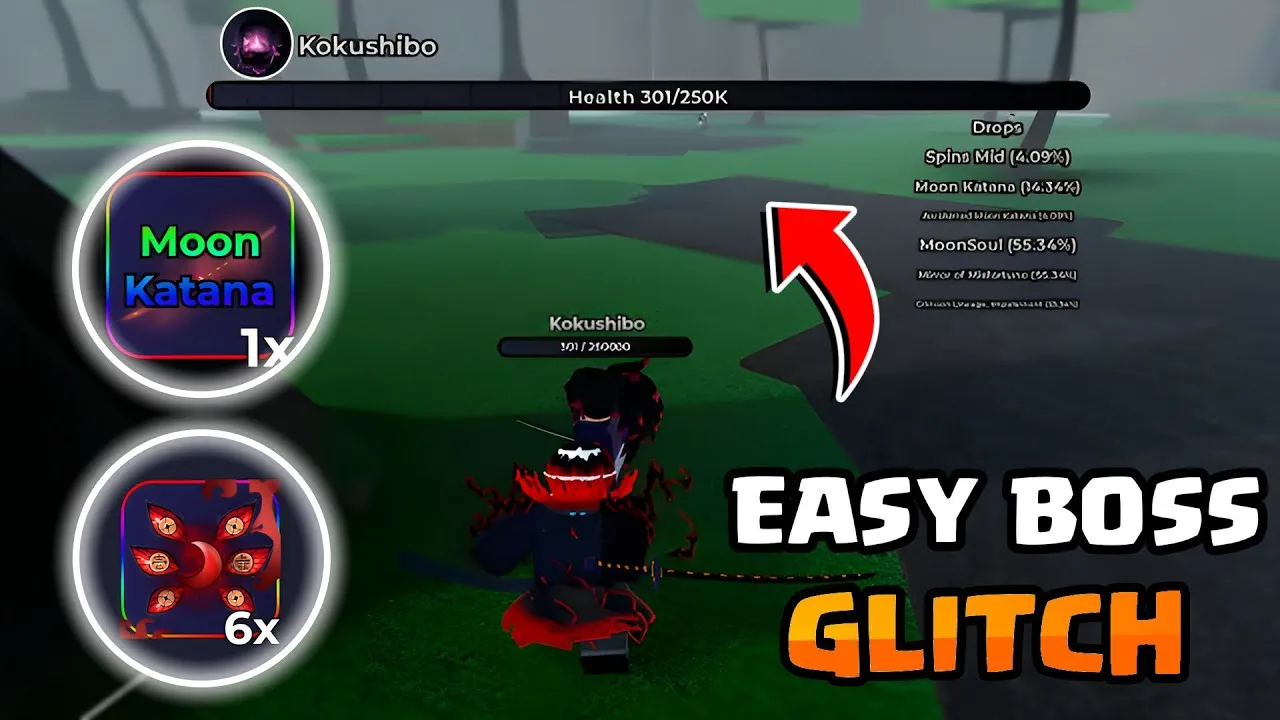
- Boss: Does your setup need an ability or item obtained from a fight?
Read the relevant cards together. A trainer's location answers where to go, while the ability requirements tell you whether your character is ready.
After using spins, look up the races and clans you actually unlocked. Compare their benefits with the attacks you want to use before deciding whether to reroll again.
Use the Map Alongside Quest and Trainer Information
The map and NPC sections serve different purposes. Use the map to orient yourself, then check the relevant trainer or boss card for your destination.
Quest access also depends on your level. Reaching an NPC doesn't automatically mean you can accept the quest.
The November 2025 quest progression gives these early-game examples:
| Quest | Location | Level Requirement | Objective |
|---|---|---|---|
| Weak Demon attack | Starter Village exit | Level 1–10 | Defeat 5 Weak Demons |
| Regular Demon attack | Near Starter Village houses | Level 10–30 | Defeat 5 Regular Demons |
| Winter Demon attack | Snow Biome | Level 30–50 | Defeat 5 Winter Demons |
| Strong Demon attack | Little Village | Level 50–70 | Defeat 5 Strong Demons |
Check your level before traveling to the next quest giver. Quest completion awards Yen and XP, and Yen also pays for Breathing styles, weapons, and clothing. Account for those purchases when planning your next unlock.
Check Boss Rewards Before Starting a Grind
Use boss information to identify the exact reward you're chasing. An equipment drop, an additional ability, and a mastery requirement are separate parts of building your character.
Gyutaro's setup illustrates why that distinction matters: his sickles enable poison damage, while his self-destruct passive requires 200+ mastery. Getting one part doesn't replace the requirement for the other.
Before settling into a farming session:
- Identify the boss tied to your target reward.
- Check whether you need equipment, an ability drop, or both.
- Check the mastery requirement for the move or passive you want.
- Read the relevant weapon information alongside the ability card.
Schedule drop farming for Saturday or Sunday when possible. Automatic 2x drop rates apply on both days.
Keep Controls and Code Information Handy
The general information column includes code details alongside the game link and map. Keep those cards handy when switching between planning and playing.
On PC, M opens the menu, G charges Breathing, and Q performs a dash. Pressing Q while stunned uses an Evasive Dash.
For code redemption, open the menu and select the purple gift icon. Enter the code with its capitalization and punctuation intact. Reset rewards have different purposes: a Race reset and a Breathing/Art reset aren't interchangeable, so read the reward before using it on your character.
Continue with
 Weak Legacy 2 Update: New Raid, LUV V2, and What's NextExplore the Weak Legacy 2 update, including the new raid and LUV V2, November event dates, weekend drop boosts, and code rewards to try when you return.
More in Community
See all CommunityContinue exploring
Weak Legacy 2 Mugen Train Guide: Bosses, Tips & Drops
Beat Weak Legacy 2 mugen train raid with Enmu and Akaza strategies, sleep prompt timing, difficulty tips, and reward details for your next farming run.
Weak Legacy 2 Dark Thunder V2: Unlock and Moves Guide
Unlock Weak Legacy 2 Dark Thunder V2 with level, Yen, mastery, and item requirements, then learn how its transformations and combo tools work in combat.
Join the community
Official channels for news, updates and player help: